WELCOME
ONBOARDING
TLDR;
- Login to MKWeb (Wolfpack) and MKMail
- Check notifications, messages, queue, and open tickets
- Finish tickets on or before SLA
MOST IMPORTANT!
No overtimes, take breaks, and always ask for help :))
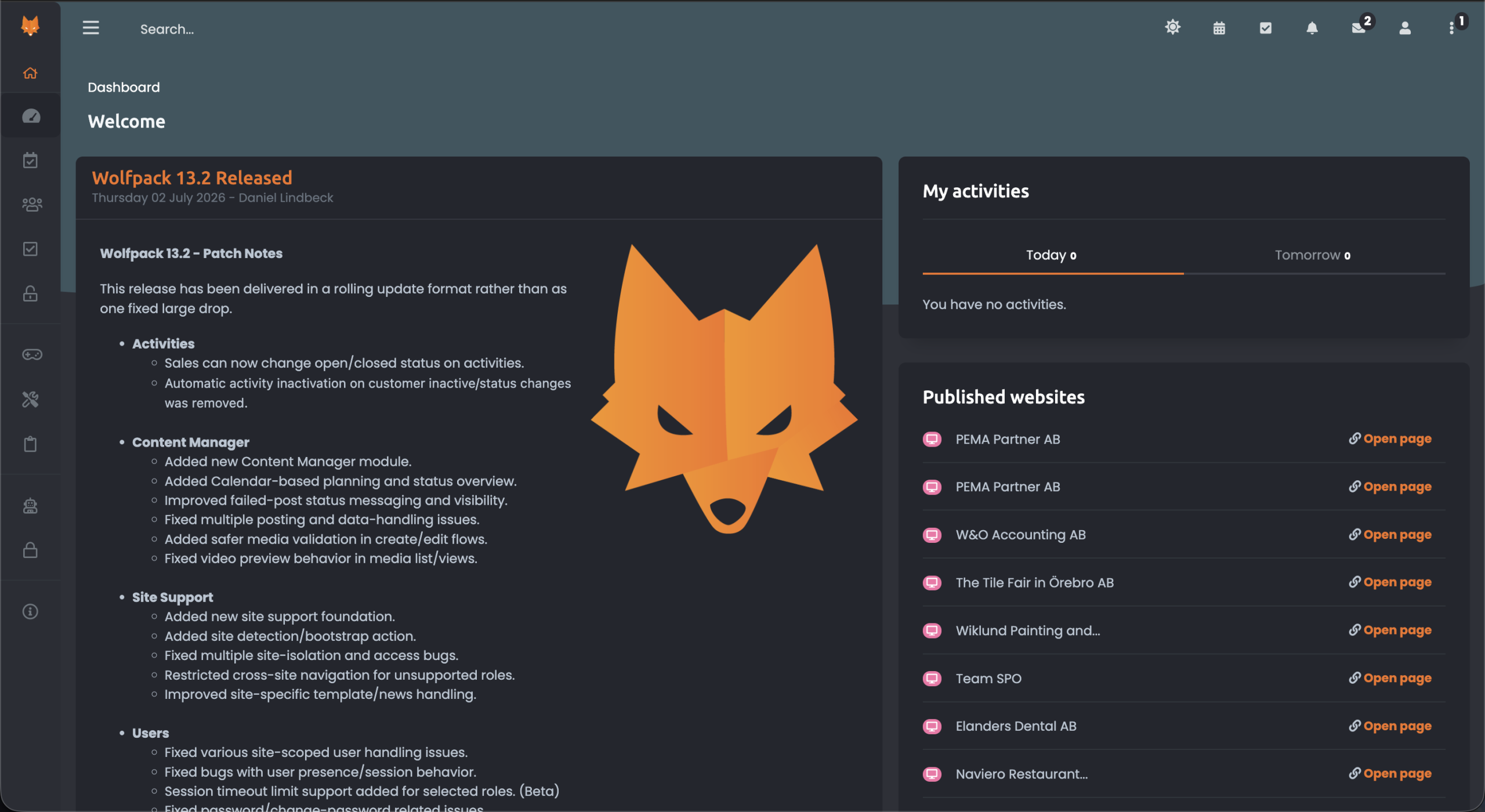
Wolfpack
You can access EVERYTHING you need here.
- Announcements
- Chatbox
- Tickets
- In-house CMS
- List of login credentials
- Error reporting
- etc...
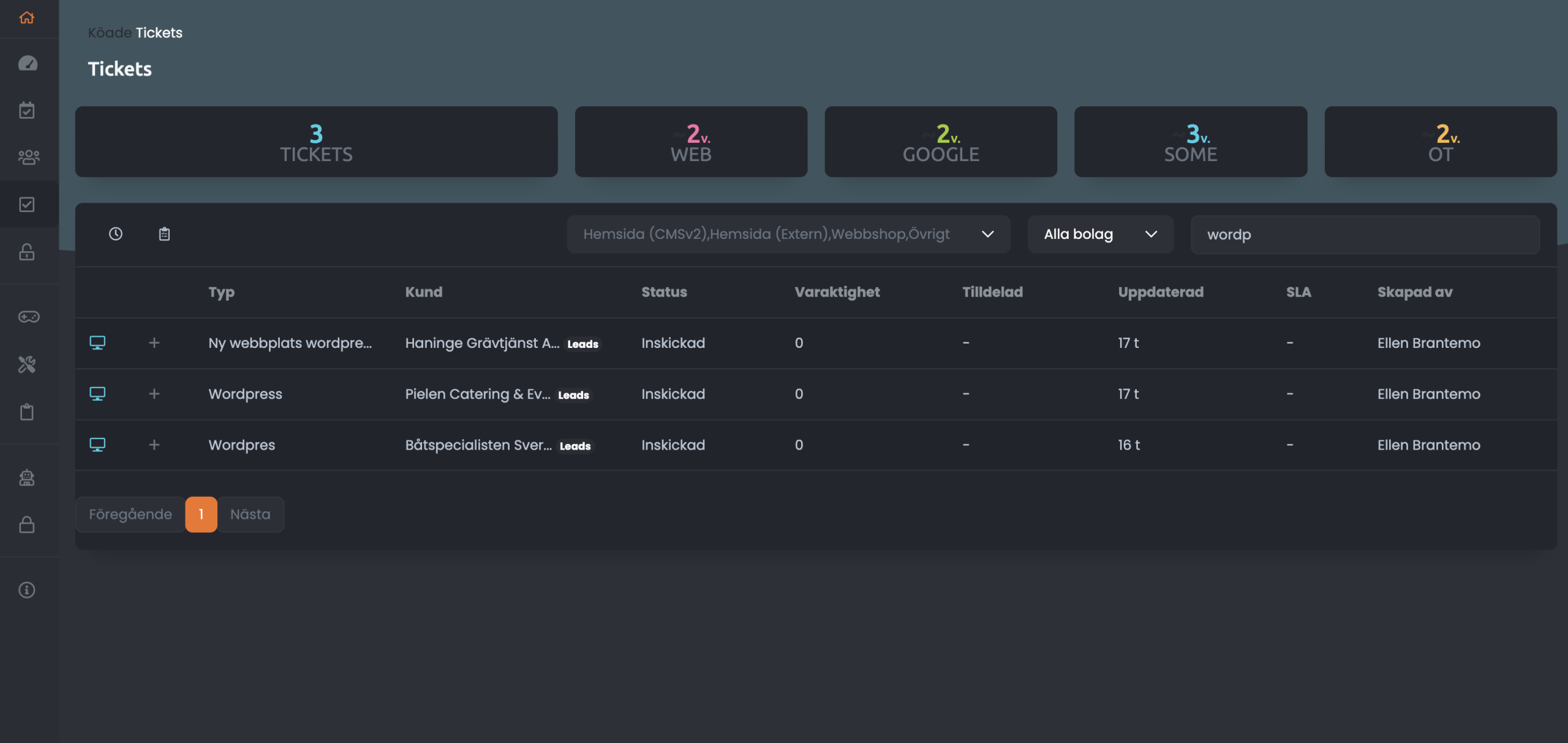
Ticket groups
You can use the filters above to sort the tickets for easier access. Tickets are grouped into 4. We mainly use:
- QUEUE (Köade): New tickets coming in. We assign the tickets ourselves here.
- OPEN (Öppna): These are the tickets assigned to you. Basically, all the projects you're working on at the moment.
Then the other 2 groups are:
- CREATED (Skapade): New or ongoing tickets that are onhold or lacks info.
- COMPLETED (Avslutade): Done or published tickets.
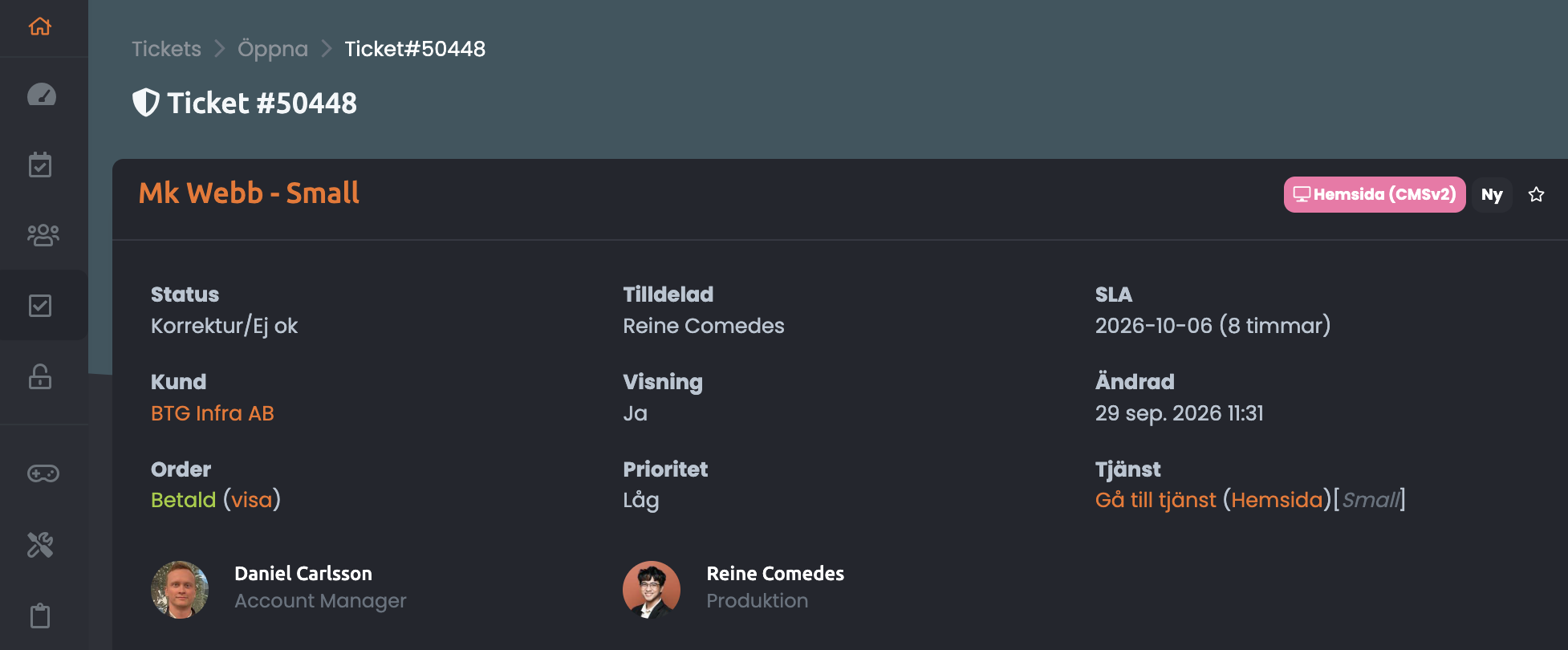
Ticket terms
We use different status depending on the current state of the ticket request. Following are the most used status.
- Behandlas: Under development (rarely used becasue this status remvoes the SLA which shound not happen)
- Korrektur skickad: Proof sent without sending mail notification to client, only to the people linked on the ticket. Used when you need to inform the AM (Account Manager) only.
- Korrektur skickad **MAILOUT**: Proof sent while also sending mail notification to client. Used when you finished the current request in the ticket and needs confirmation from the AM and the client.
- Korrektur/Ej ok: A new request from the client/AM. Notice that the SLA will be updated when you received a ticket with this status.
- Korrektur/Ok: All requests are confirmed to be done and the changes can now be officially published.
Remaining status options are rarely used by the PH Team.
SLA is basically the deadline of a proof round. You need to finish the current request and send a proof on or before the SLA. SLA varies depending on the ticket status, usually it's set to 5-8 days for Korrektur/Ej ok and may be updated accordingly.
Proof is the term used for the set of requests being done and sending out a confirmation. Proof out means sending the ticket over (Korrektur skickad).
AM (Account manager) handles the communication between the client and the designers/developers. They act as the middleman so tickets are created by them and we send the tickets back to them. Each client has its own AM, and AMs have different clients/projects.